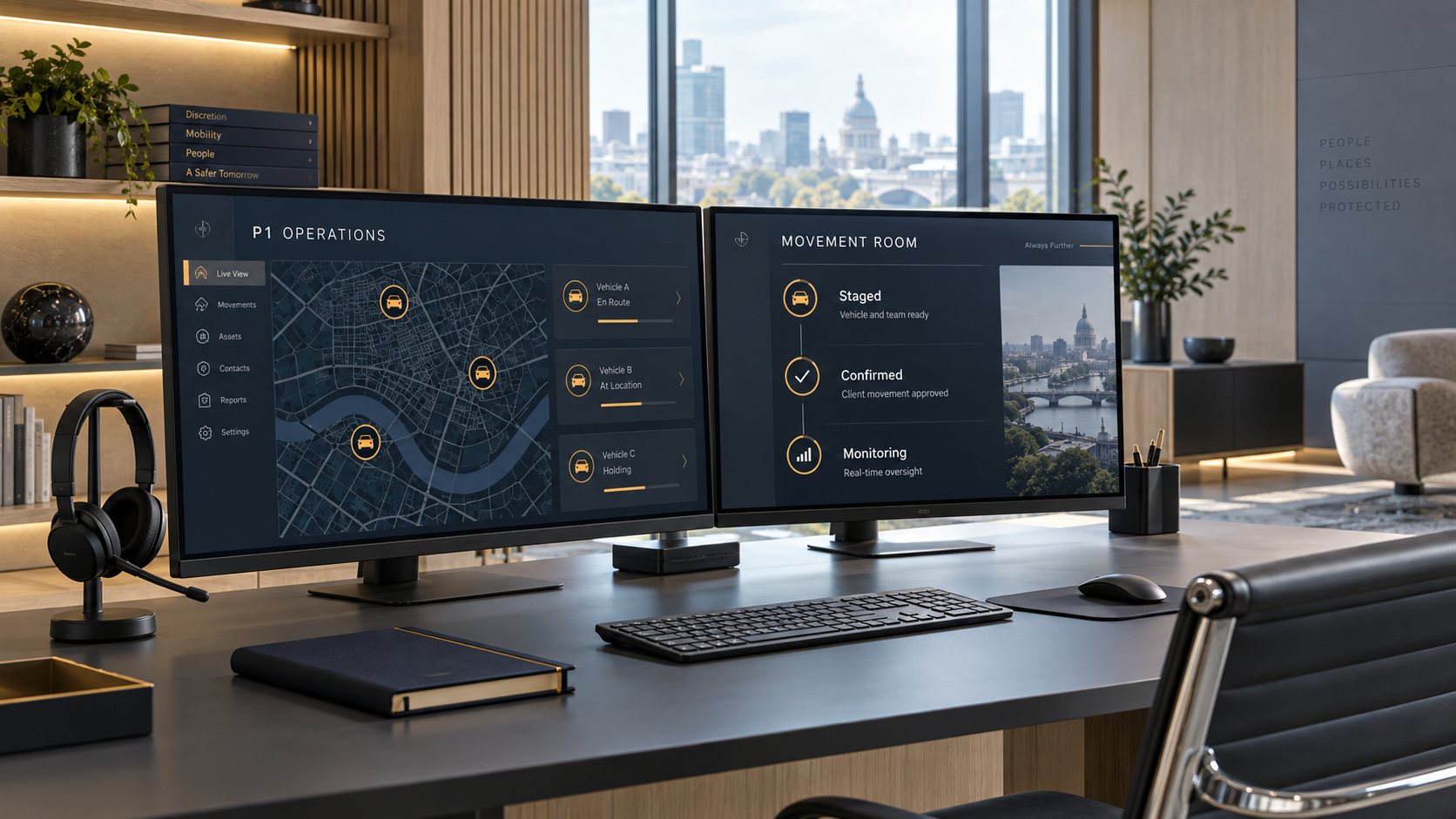
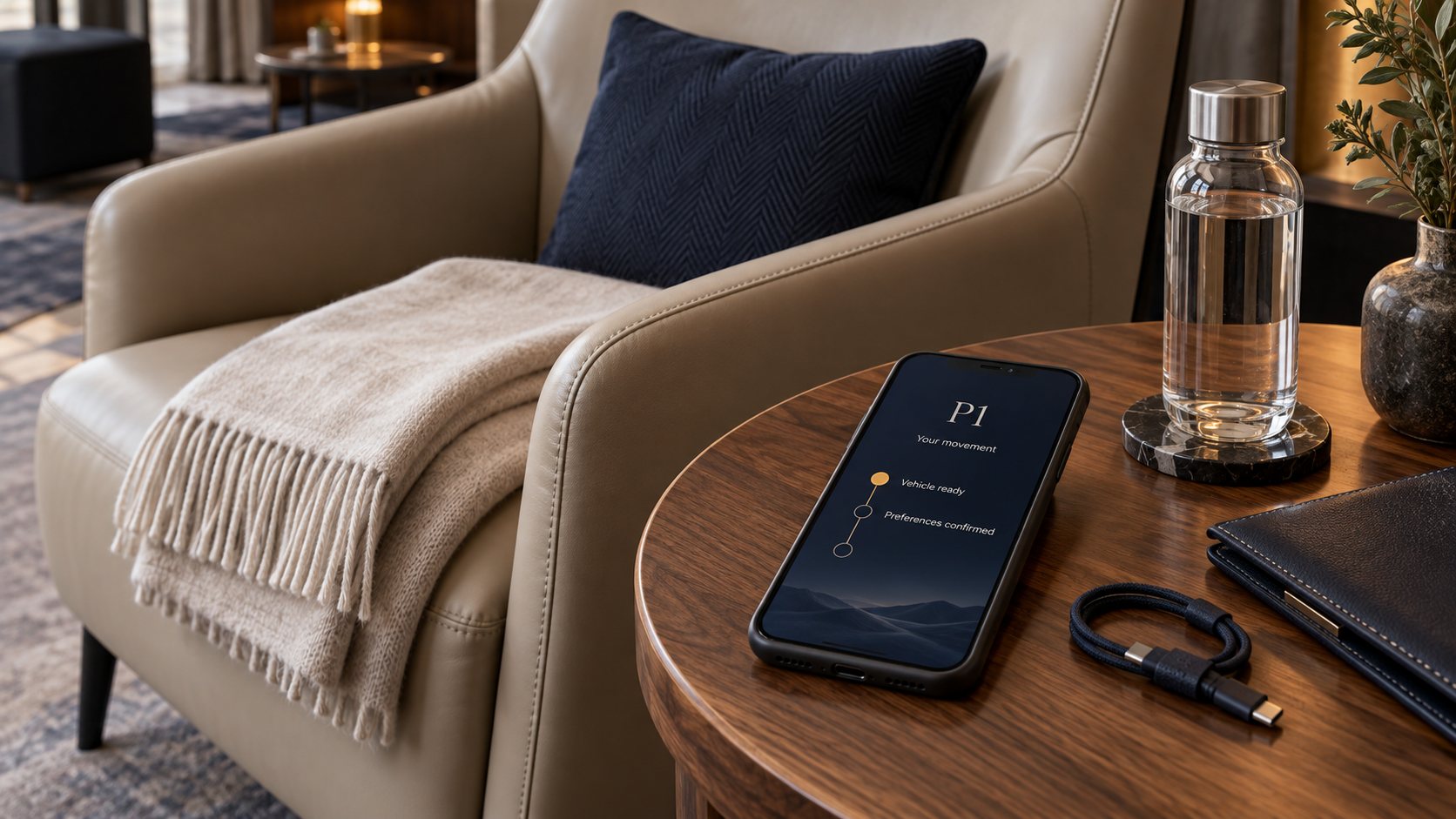
How P1 protects a principal’s location and information
P1 handles a principal's whereabouts with the care a private bank gives to account information. Location is visible only to the people who need it for a specific trip, sensitive actions are recorded, and access closes shortly after the trip ends.
Tracking only during the trip
Shared links that expire
Access by role and relationship
Principles
Six principles that govern every trip
A principal’s schedule and location are among the most sensitive information their office manages. These six principles govern how the platform is built, how each vehicle is equipped, and who is permitted to drive, and they apply in the same way in every market.
01
Least-privilege access
Each person's access is tied to a specific relationship with an account, a traveler, a trip, or a provider. Without that relationship, there is nothing for them to see.
02
Tracking limited to the trip
Trip tracking starts when the driver reports en route to the pickup and stops 15 minutes after the trip is completed. The trip is not tracked at any other time.
03
Recorded sensitive actions
Issuing or opening a tracking link, opening a Movement Brief, changing a destination, and overriding an eligibility check each create a record of who acted and when.
04
Devices assigned to vehicles
Every certified vehicle carries a managed Samsung phone that stays with the vehicle. Drivers do not use personal phones for P1 trips, and drivers themselves are never tracked.
05
Annual driver vetting
Every driver undergoes a background check, a motor vehicle record review, and drug screening each year, and signs a nondisclosure agreement and the P1 Code of Conduct.
06
Encryption throughout
The platform is built to encrypt data in transit and at rest, with the encryption keys held in a managed key service.
The tracking window
The principal’s location is tracked only during the trip
Trip tracking begins when the driver reports en route to the pickup and ends 15 minutes after the trip is completed. Shared tracking links show less information, for a shorter period. The one exception, an approximate vehicle position visible only to operations, is explained below.
Trip tracking runs from the moment the driver reports en route until 15 minutes after the trip is completed, and it is visible to operations and to the account users permitted to see it. Shared links show status only until the vehicle is staged at the pickup, show its position from staging until the trip is completed, and expire 1 hour after completion. Between trips, the vehicle’s device reports one approximate position every 5 minutes, and only operations can see it.
Tracking liveOne trip, from assignment to link expiry
Position visible
Status only, no position
Approximate vehicle heartbeat
The tracking window
05 / 11By 60 minutes before pickup
En route
The driver reports en route, and trip tracking begins for operations and for the account users permitted to see it. The vehicle heartbeat pauses.
Trip tracking
Tracking
Shared links
Status only
Vehicle heartbeat
Paused
The tracking window
Trip trackingOperations and authorized account users
StartsStops
Shared linksOne per recipient, showing only what was granted
Position shownPosition hiddenExpires
Vehicle heartbeatBetween trips only, visible only to operations
Tracking · Shared links · Heartbeat
Schematic, not to scale · Times before pickup are the standard checkpoints
The one exception
A vehicle heartbeat between trips, used only for dispatch
Between trips, the device in each vehicle reports one approximate position every 5 minutes, and only P1 operations can see it. This allows operations to send the nearest certified vehicle when a client makes a last-minute request. The heartbeat is never shown to clients, never stored as trip tracking, and never attached to a trip, and it stops when the device is no longer assigned to that vehicle.
Drivers themselves are never tracked, because the device is assigned to the vehicle rather than to the person driving it.
The heartbeat at a glance
Frequency
Every 5 minutes
Visible to
Operations only
Linked to a trip
Never
Assigned to
The vehicle
The platform rejects heartbeat reports while a vehicle is inside a trip’s tracking window, so the two kinds of location data are never combined.
Who sees what
Each person sees only what their role requires
Access is determined by each person’s role and by their relationship to the traveler and the trip. An executive assistant sees the travelers they book for, a driver sees the trip they are assigned to, and a shared link shows a single trip for a limited time.
Default access to each type of information, by audience. Select a column heading to see the details.
Who sees what
Live location
Full
Full
Full
Limited
Limited
Limited
Full
Principal's name
Full
Full
Full
Limited
Limited
None
Full
Pickup and destination
Full
Full
Full
Full
Limited
Limited
Full
Driver identity and credentials
Limited
Limited
Limited
Full
Limited
Limited
Full
Vehicle and license plate
Full
Full
Full
Full
Full
Full
Full
Billing and balance
None
Limited
None
None
None
None
Limited
Principal profile and preferences
None
Limited
Limited
Limited
None
None
Full
What they see
EA / booker
Executive assistants and bookers arrange and change trips for the travelers within their scope.
Showing what EA / booker can see.
Live location: Full.Travelers within their scope, during each trip.
Principal's name: Full.Travelers within their scope.
Pickup and destination: Full.Full control of the itinerary on the trips they book.
Driver identity and credentials: Limited.The driver card, with photo, display name, and training.
Vehicle and license plate: Full.Model, color, license plate, and photo.
Billing and balance: Limited.Estimates when booking; statements only for account owners, administrators, and billing users.
Principal profile and preferences: Limited.What booking requires; only account owners and administrators make changes.
Full
Limited: only part of the information, or only for part of the trip
None
Each account sets its own defaults, including who falls within each traveler’s scope, who receives a tracking link, and how much each link shows. Client screens identify the delivering provider only as the P1 network and never display device identifiers, and certified providers see only the assignments they deliver.
Shared tracking links
Each tracking link is issued to one person for one trip
When someone outside the account needs to follow a trip, such as a spouse, a house manager, or a hotel’s front desk, they receive their own signed link. Each link shows only the information you allow, and it expires shortly after the trip ends.
Issued to one named person
Each link is signed and issued to a single named recipient, so access can be granted and withdrawn person by person.
Name hidden by default
The traveler's name appears on a shared link only if the account chooses to allow it.
General area only by default
Addresses appear only as city and state, and stops are kept off the map, unless the account grants full detail.
Time-limited position
The vehicle's position appears once it is staged at the pickup and disappears when the trip is completed. The link itself expires 1 hour later.
Revocable at any time
The account or P1 operations can revoke a link immediately, without affecting any other recipient's link.
Every view recorded
Every time a link is opened, the view is logged, so the account can see how often each link has been used.
Links for the flight crew
A crew link shows whether the vehicle is staged and where, identifies the driver and the vehicle, and shows the timing back to the aircraft. It never shows the principal’s name, and it includes the destination only if the account allows it.
The platform records who opened or changed what, and when, at the moment it happens. Because the record is written automatically, it does not depend on anyone remembering to log an action.
Always recorded
Issuing, revoking, or opening a tracking link
Opening a Movement Brief
Changing a destination, stop, or time
Changing a trip assignment
Overriding an eligibility check
Adjusting an account balance
Changing account members or travelers
Signing in
GC-261006-0417 · Aspen
Trip audit record
Recorded automatically
Tracking link opened
Shared link · House manager · View 3
14:06
Tracking link issued
EA · K. Morgan · Area only, name hidden
13:58
Movement Brief opened
Brief link · Security lead · Version 2
13:41
Destination changed
Principal · approved by EA · Itinerary v3
13:20
Eligibility overridden
Ops supervisor · A. Lane · Reason recorded
09:15
Driver signed in
Vehicle device · Michael R. · Badge and PIN
08:47
Illustrative preview · A trip’s audit record
Accounts, devices, and drivers
Safeguards for sign-in, vehicle devices, and drivers
Protecting information also depends on how people sign in, which devices operate in the vehicle, and who is permitted to drive. Each is held to the same standard as the data itself.
P1DrivenProtective ground transportation
Enter your sign-in code
Sent to +1•••••42
481
Expires in 9:42Attempt 1 of 5
P1 staff also use an authenticator app
Sign-in and accounts
One-time codes instead of passwords
Members sign in with a one-time code sent to an email address or mobile number already on file, so there is no password to steal.
Codes are stored in hashed form, expire after 10 minutes, and allow at most 5 attempts.
An unrecognized address receives the same response as a registered one, so the sign-in page cannot be used to discover accounts.
Every P1 staff member must also verify with an authenticator app.
Sessions are short-lived and rotate regularly, and signing out ends them.
P1DrivenProtective ground transportationManaged
Vehicle device
Gray GLS 63 · Certified
Vehicle
Bound
Driver
Badge + PIN
Offline queue
0 pending
Tracks from
En route
SOS
Hold to arm · pages operations
Vehicle devices
A managed device assigned to each vehicle
Every certified vehicle carries a dedicated Samsung phone enrolled in device management, and a driver's personal phone is never used in its place.
Each device is assigned to one vehicle, and drivers sign in to it with their own badge and PIN.
The device keeps working without coverage, holding updates and sending them in order once the connection returns.
The SOS control alerts operations, calls the operations line, and increases position reporting to every 2 seconds.
Apart from the vehicle heartbeat, the device reports its position only within a trip's tracking window.
MR
Michael R.
Certified Driver · Aspen
Active
Background checkAnnual
Motor vehicle recordAnnual
Drug screeningAnnual
NDA and Code of ConductSigned
CPR and AEDCurrent
Bleeding controlCurrent
Drivers
Every driver is vetted each year
Every driver completes a background check, a motor vehicle record review, and drug screening each year. Each driver also signs a nondisclosure agreement and the P1 Code of Conduct.
Drivers keep their CPR, AED, and bleeding-control training current.
Each credential is tracked against its expiry date, and a driver with an expired credential cannot be assigned to a trip.
Clients see a driver card with a photo, display name, and training, but never license numbers or home addresses.
Infrastructure
How the platform is designed, and what comes next
The P1 platform is built to run on Amazon Web Services, with every resource defined as code. We keep these lists precise: the first describes the safeguards in the platform’s design, and the second lists the work still ahead.
In the platform design
Private network on AWS
Application servers sit in private subnets and accept traffic only through the protected network edge.
Encryption in transit and at rest
Every connection uses TLS, and databases, caches, and documents are encrypted with keys managed in AWS Key Management Service.
Web application firewall
Managed rules screen every request to the platform's applications for known attack patterns and malicious sources.
Resilient database
The database is replicated across multiple AWS Availability Zones and supports point-in-time recovery.
Secrets kept out of code
Credentials are held in a managed secrets store and are provided to services only at runtime.
Infrastructure audit trail
Every change made to the cloud account is recorded.
Threat detection
The cloud account is monitored continuously for suspicious activity.
Infrastructure defined as code
Every resource is defined in code, so each environment is built the same way.
On the roadmap
01
Independent penetration test
An independent penetration test will be completed before any real principal data enters the platform.
02
Passkeys
Passkeys will add phishing-resistant sign-in, secured by each person's own device.
03
Field-level encryption
The most sensitive fields, such as medical details and access codes, will receive an additional layer of encryption.
04
Hardened vehicle app
Every vehicle device will gain encrypted on-device storage and certificate pinning.
05
SOC 2 Type I
An independent auditor will report on how P1's security controls are designed.
Your data
Location data is kept only as long as it is needed
Our policy is to keep detailed location history only as long as it is needed to answer questions about a trip. After that, it is reduced to the summary an account needs for its records.
90 days
Detailed positions
After 90 days, detailed positions are reduced to a route summary and the trip's milestones.
1 hour
Shared links
Every shared link expires 1 hour after the trip is completed.
Purge
On request
A principal may ask us to purge their location history.
Export
On request
An account may request a copy of its trip records.
The handling of data in the P1 platform is governed by your Membership Agreement. For information collected through this website, see the privacy notice.
Report a security concern
If something appears wrong, or you believe you have found a security vulnerability, email us with “Security” in the subject line. Please include how to reach you, and allow us a reasonable opportunity to resolve the issue before disclosing it.
Answers to the questions security leads most often ask. For anything not covered here, please contact us directly.
No. Trip tracking starts when the driver reports en route to the pickup and stops 15 minutes after the trip is completed. Between trips, each vehicle's device reports one approximate position every 5 minutes to P1 operations, so that the nearest certified vehicle can be sent to a last-minute request. That position belongs to the vehicle rather than to any person, is never shown to clients, and is never attached to a trip.
The people on the account who are responsible for that traveler can see it, as can P1 operations. The driver sees only a display name that the account sets. A shared tracking link shows the name only if the account allows it, and a flight crew link never shows it.
Anyone who has a link can open it while it is active, which is why each link shows as little as possible. Every link is issued to one named person, shows only what that person has been granted, records each time it is opened, and expires 1 hour after the trip is completed. If a link is shared further than intended, the account or P1 operations can revoke it immediately without affecting anyone else's link.
Under our retention policy, detailed positions are kept for 90 days so that questions about a trip can be answered, and are then reduced to a route summary and the trip's milestones. A principal may also ask us to purge their location history.
No. Every certified vehicle has its own managed Samsung phone, enrolled in device management and assigned to that vehicle. Drivers sign in to it for each trip with their own badge and PIN. A personal phone is never used in its place, and drivers themselves are never tracked.
No. The vehicle device shows the driver only what the trip requires: a display name, the itinerary and instructions, and the items to prepare in the Principal Kit. Contacts, billing details, and the rest of the profile are kept off the device.
Not yet. A SOC 2 Type I report is on our roadmap, and an independent penetration test will be completed before any real principal data enters the platform. This page separates the safeguards in the platform's design from the work still ahead, and we keep it current.
A briefing for your security team
Before your first trip, we will walk your security lead through how P1 handles location data, access, and records, and answer any questions about the controls described on this page.